
Turn long videos into viral clips
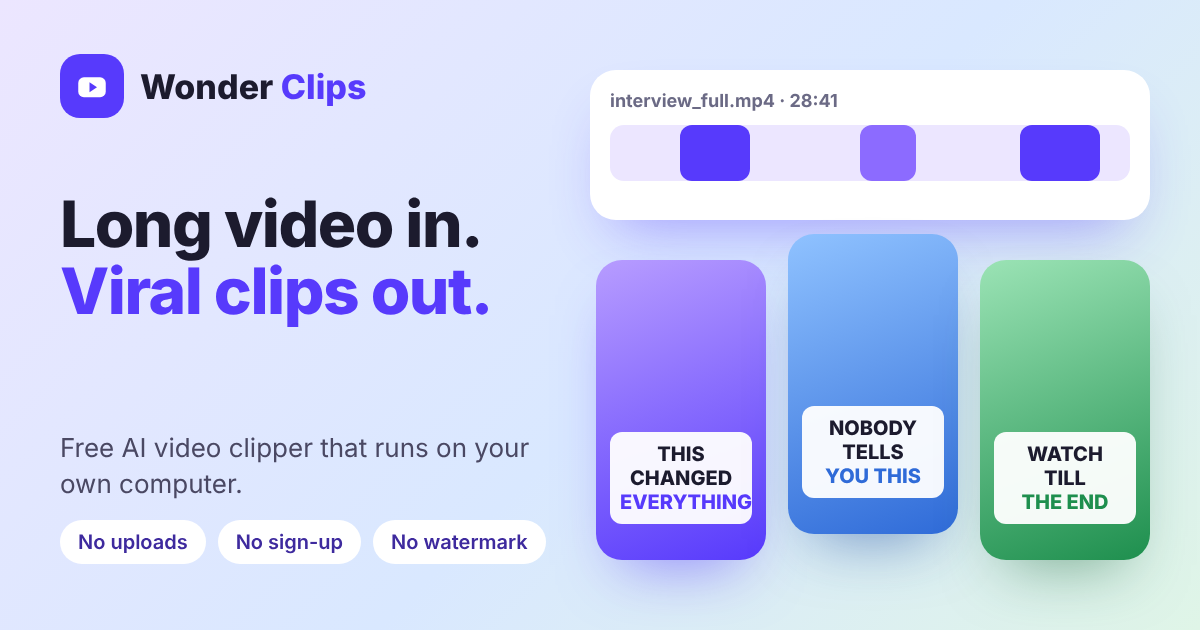
Paste a link or upload a video. Wonder Clips finds the best moments, adds captions and reframes the speaker, all on your own computer.
- ✓ Runs on your own PC
- ✓ Free, no sign-up
- ✓ No watermark
Make your clips
Step 1: start the engine on your PC. Step 2: add a video. That is it.
How it works
- 1Add your video
Upload a file, or paste a YouTube, Instagram or other link.
- 2AI does the work
It finds highlights, adds captions and follows the speaker. Nothing leaves your PC.
- 3Download your clips
Edit if you like, then export ready-to-post vertical clips.
Everything you need
- Finds the best moments
AI reads the whole video and picks the parts people will actually watch.
- Adds captions
Word-by-word captions in Hinglish or Devanagari, with bold, karaoke or minimal styles.
- Reframes to 9:16
Follows the speaker's face so every clip fits Reels, Shorts and TikTok.
- Up to 8 clips
From a video up to 30 minutes. Trim, restyle and export in one place.
Quick answers
Are my videos uploaded anywhere?+
No. Everything runs on your own computer. Files are deleted automatically after 72 hours.
What do I need?+
Windows 10 or 11, about 8 GB of free disk space and a one-time ~4 GB download. An NVIDIA GPU with 6 GB or more is best, but a normal processor works too, just slower.
Why do I have to install something?+
The AI is heavy, so it runs on your computer instead of a server. That is why Wonder Clips is free and private.
Ready to make your first clip?
Free, private and made by Mayank. Set it up once and clip as many videos as you like.
Start clipping